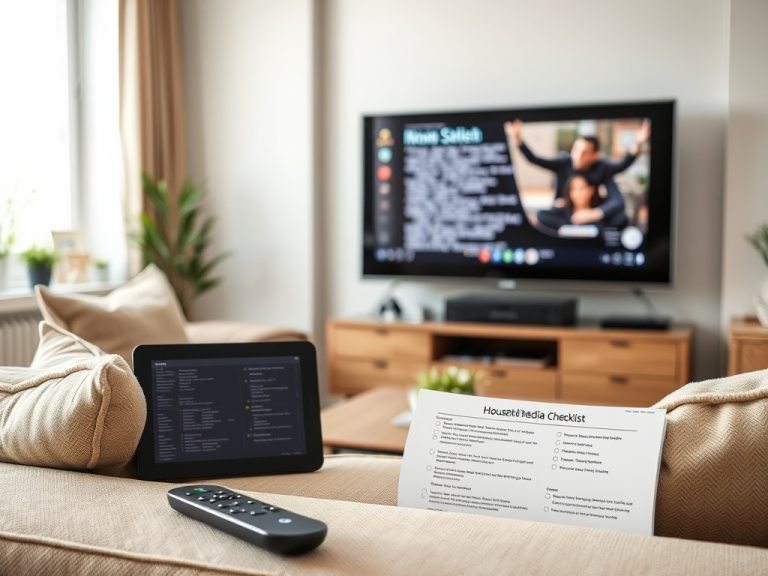
The best way to track what you watch is to choose one “home base” for your viewing history, then add only the tools that solve a real gap. For most film-first viewers, that home base is Letterboxd; for mixed film and TV viewers, Trakt or a hybrid workflow usually works better.
Key takeaways for watch tracking
- Use Letterboxd when films, ratings, lists, reviews, and social discovery matter most.
- Use Trakt when automatic history, TV episodes, calendars, and device integrations matter more than film criticism.
- Use IMDb or JustWatch when you mainly want broad discovery and availability checks.
- Keep one lightweight backup, such as a spreadsheet export or monthly list, so your viewing history is not locked into one platform.
- The best workflow is the one you can update in less than two minutes after watching.
First decide what “tracking” should capture
Tracking can mean several different things. Some viewers want a complete diary of every film, date, rewatch, rating, and review. Others just want to remember which series they started, which episode comes next, and where a title is streaming. A family might want shared watchlists, while a critic or student may need tags for directors, national cinemas, genres, or course themes.
That distinction matters because Letterboxd is built around film logging, personal taste, lists, ratings, tags, and friend activity. Trakt’s app ecosystem is stronger when the goal is tracking movies and TV across multiple services, calendars, and automatic scrobbling. IMDb is useful as a broad reference layer because its database, watchlist features, and streaming-provider cues are familiar to casual viewers.
A good setup should not feel like accounting. If the tool makes you enter too much data, you will stop using it. Start with the minimum fields you care about, usually title, date watched, rating, and a short note.
Tool fit by viewer type
| Tool or workflow | Best use case | Cost level | Learning curve | Main limitation |
|---|---|---|---|---|
| Letterboxd | Film diary, lists, ratings, tags, reviews | Free to paid upgrades | Low | Film-first; TV tracking is not its main strength |
| Trakt | TV and film history, calendars, scrobbling | Free to paid upgrades | Medium | Integrations can vary by service and device |
| IMDb Watchlist | Broad discovery and casual tracking | Free | Low | Less flexible for personal tagging and diary analysis |
| JustWatch-style availability tools | Finding where something streams | Free | Low | Not a full personal archive |
| Spreadsheet or Notion database | Custom fields, collections, research projects | Free to paid | Medium | Manual entry takes discipline |
A practical Letterboxd workflow for film lovers
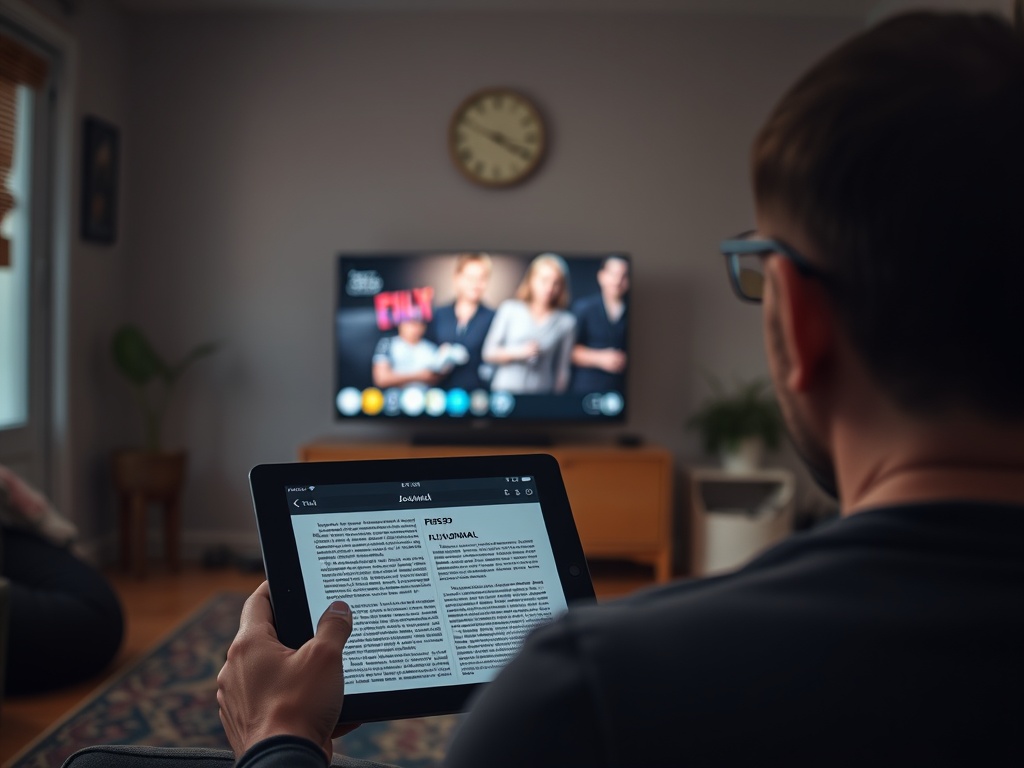
A simple Letterboxd workflow starts with four habits. Log the film the day you watch it. Add a rating only if ratings help you remember your reaction. Use one or two consistent tags, such as “theater,” “rewatch,” “family,” “festival,” “blind spot,” or a class name. Put future titles into your watchlist rather than scattering them across notes, screenshots, and streaming queues.
Lists are where Letterboxd becomes more useful than a basic diary. Keep one private “priority watchlist” for titles you actually plan to watch soon, then use public or private lists for projects: 1970s crime films, animation history, films mentioned in a course, or directors to revisit. If you enjoy curated viewing sessions, the same thinking behind parents’ streaming-profile systems can be applied to your lists: fewer random choices, more intentional groupings.
One mistake is over-tagging. Tags work best when they answer a later question. “Where did I see this?” and “Was this a rewatch?” are useful. A dozen mood tags per film can become clutter unless you enjoy that level of detail.
When automated tracking earns its place
Automated tools help when you watch a lot of serialized TV or switch across streaming services. Trakt-style scrobbling can reduce manual entry, show what is up next, and build a history across devices. It is especially useful for viewers who watch series in fragments, such as one episode on a phone, another on a TV app, and a film rental on a separate platform.
Automation is not perfect. Streaming services change interfaces, regional catalogs shift, and some integrations depend on third-party apps or browser extensions. Treat automatic tracking as a convenience, not a permanent archive. Once a month, export or review your history, especially if you use it for writing, study, or collection building.
For viewers who also compare entertainment subscriptions, tracking helps separate “I might watch this” from “I actually use this service.” That same discipline applies when you compare music streamer subscriptions for lossless listening: usage history beats vague intentions.
Build a habit that survives app fatigue
Choose one primary app, one backup, and one recurring review. The primary app is where you log. The backup can be a CSV export, a spreadsheet, or a yearly list. The recurring review can be monthly or seasonal: clean up duplicates, move dead watchlist items, and note what you actually watched.
If your tracking is for cultural learning, pair your app with a reading list. A film diary becomes richer when you connect it to broader context, such as the books covered in a media-history reading path. If your tracking is for family streaming, keep separate adult and child profiles, then document what belongs where, much as parents do when managing kids’ profiles across services.
A viewing record you will still trust later
The strongest workflow is not the most complex one. It is a repeatable habit: log promptly, tag lightly, review occasionally, and keep control of your own data. Start with Letterboxd if movies are the center of your viewing life. Add Trakt when TV and automation become important. Use a spreadsheet only when your questions outgrow what apps can answer.