
The best way to catalog a growing collection is to start with a spreadsheet, then move to a specialized app only when your collection needs barcode scanning, images, insurance details, condition reports, or multi-device access. A good catalog should help you find, value, care for, and enjoy the collection, not just count it.
Collection-cataloging takeaways
- Spreadsheets are best for small collections, custom fields, and total control.
- Collection apps are better when barcode lookup, cover images, cloud sync, or mobile updates save time.
- Serious collectors should track condition, provenance, purchase price, location, and photos.
- Digital backups are part of collection care, not an afterthought.
- A simple catalog used consistently beats a perfect database abandoned halfway.
Start with what the catalog must answer
A catalog should answer practical questions. What do I own? Where is it? What condition is it in? What did I pay? Is it insured? Have I lent it to someone? Do I already own this edition? Does it need preservation care? Which items are missing photos or receipts?
Different collections need different fields. A vinyl collector may track pressing, matrix number, sleeve condition, and playback notes. A poster collector may track size, paper type, storage tube, framing, and fading. A book collector may track edition, dust jacket, inscriptions, and shelf location. A toy or memorabilia collector may track packaging, authenticity, and display exposure.
The Library of Congress provides public guidance on personal digital archiving, which is useful even for physical collectors because photos, receipts, scans, and notes become part of the collection record. The Smithsonian Institution Archives describes preservation as a systematic way to prolong the life of analog and digital materials, which is a helpful mindset for home catalogs too.
Tool choices by collection size and behavior
| Tool type | Best for | Strength | Limitation |
|---|---|---|---|
| Spreadsheet | Small to medium collections, custom fields | Flexible, exportable, easy to audit | Manual data entry |
| Airtable-style database | Visual records, attachments, filtered views | More database power than a spreadsheet | Can become overbuilt |
| Notion-style workspace | Notes, stories, wishlists, research | Good for narrative context | Less ideal for strict inventory control |
| Specialized collection app | Books, comics, records, films, games, collectibles | Barcode lookup and images save time | Fields may not match niche needs |
| Photo folder plus index | Visual collections and insurance documentation | Easy backup and sharing | Weak search unless named carefully |
| Museum-grade system | Institutions or high-value collections | Strong control and reporting | Too complex for most personal collectors |
The core spreadsheet fields
Start with a spreadsheet before buying software. Use fields such as item ID, category, title/name, creator/maker, date, edition or variant, condition, purchase date, purchase source, price paid, estimated value, storage location, photo link, receipt link, notes, and action needed. Add a “last checked” date so you know when records were verified.
Give every item a simple ID. It can be as basic as BOOK-001, VINYL-001, POSTER-001, or MEM-001. Put the same ID in photo filenames and storage labels. This prevents confusion when two items have similar titles or covers.
If your collection includes movies, games, or media objects, watch-tracking habits can support cataloging. The same discipline used in apps and Letterboxd workflows can help separate “watched,” “owned,” “wishlist,” and “loaned” so your entertainment history and physical inventory do not blur together.
When a dedicated app is worth it
Move beyond a spreadsheet when data entry becomes the bottleneck. Barcode scanning, cover lookup, batch imports, photo attachments, and mobile sync can save hours. Specialized apps are especially useful for books, comics, records, discs, games, and trading cards because structured databases already exist.
Before committing, test export options. Your catalog should not be trapped. Look for CSV export, image handling, custom fields, backup tools, and clear account terms. If the app disappears or changes pricing, you should still be able to recover your records.
Cataloging as care, not just organization
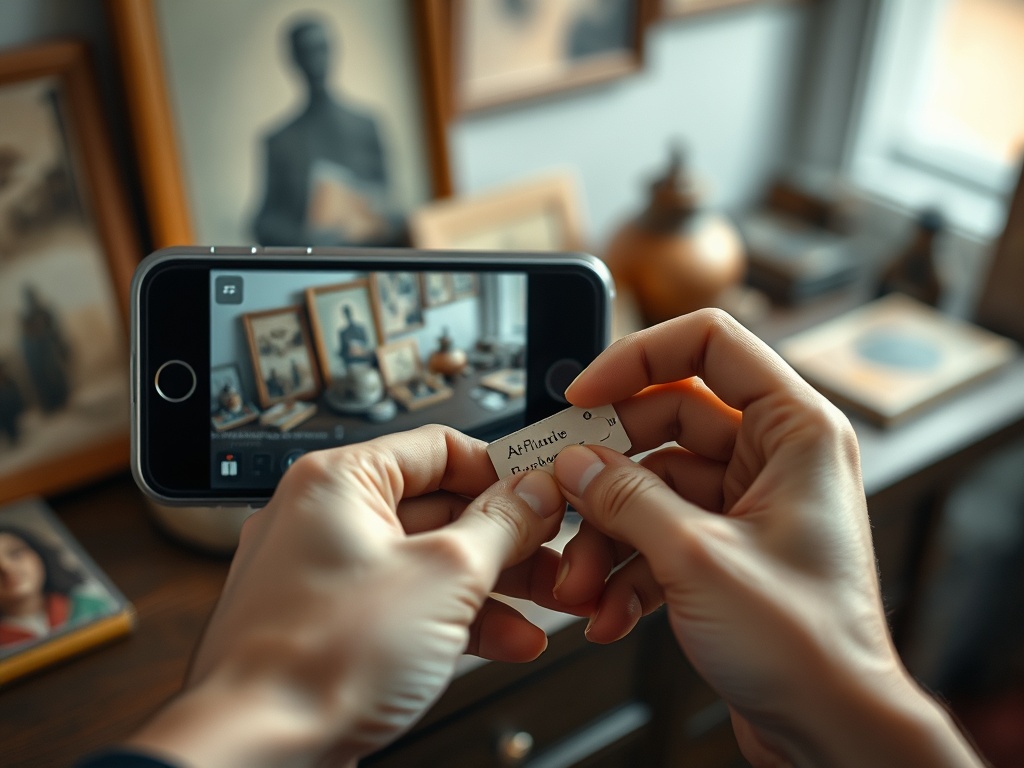
Photos are part of the record. Take a front, back, detail, and condition photo for valuable or fragile items. Keep receipts, certificates, appraisals, and repair notes in a folder that matches the item ID. For insurance or estate planning, a catalog that includes photos and documents is more useful than a simple title list.
A catalog helps preserve the collection. The American Institute for Conservation offers collection-care resources that remind collectors to think about storage, display, emergency preparedness, and professional consultation. Home collectors do not need museum-level systems, but they can borrow museum habits: limit light exposure, reduce handling, separate food and drink from objects, and document condition changes.
This connects directly to museum conservation rules. A home collector may not have climate-controlled galleries, but the same risks exist at smaller scale: sunlight, moisture, pests, dust, poor handling, and lost information.
Families should also decide who can edit the catalog. If children use shared devices, keep collection records separate from entertainment profiles, much as households do when managing kids’ streaming profiles. Accidental edits can be as frustrating as misplaced objects.
A setup process that works
First, sort the collection into categories. Second, create IDs. Third, photograph each item in consistent light. Fourth, enter only essential fields for the first pass. Fifth, back up the spreadsheet and photos. Sixth, add advanced fields only after the basic catalog is complete.
Do not stop to perfect every record. Cataloging fails when people try to make item one perfect before reaching item ten. A rough complete inventory is more useful than a perfect sample. Once everything exists in the system, you can improve the records in batches.
A catalog you can keep using
Start simple, keep your data exportable, and add structure only when it saves time or reduces risk. The best app is the one that makes the collection easier to understand, protect, and enjoy.